
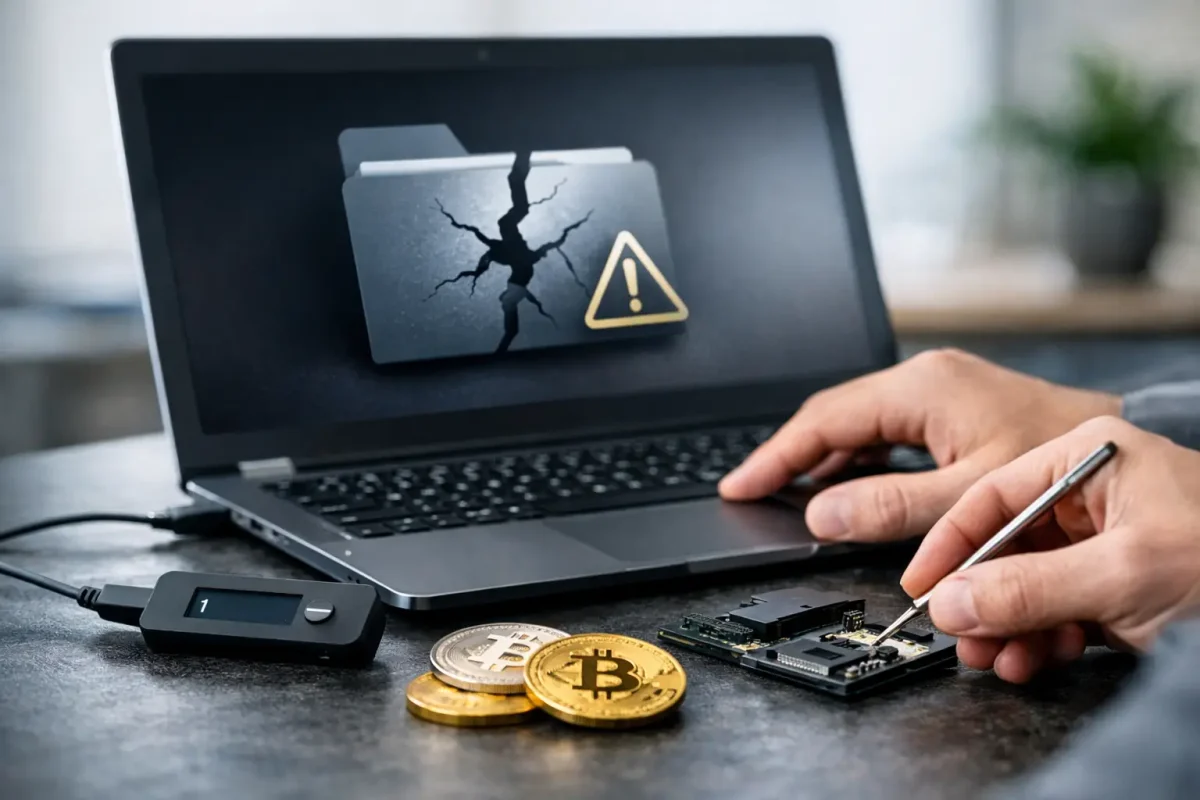
A wallet application that suddenly will not open can make a crypto balance feel permanently out of reach. Yet a damaged file does not automatically mean the private keys are gone. To repair a corrupted crypto wallet file safely, the first priority is preserving every remaining copy before a well-intended reinstall, sync, or repair attempt writes over evidence that may still be recoverable.
A crypto wallet file is not merely an app setting. Depending on the wallet, it may contain encrypted private keys, key metadata, transaction records, address labels, or references needed to reconstruct access. The correct response depends on the wallet type, the nature of the corruption, and whether you still have a seed phrase, password, backup, or another device with a working copy.
Why Crypto Wallet Files Become Corrupted
Corruption often happens during an interruption rather than a dramatic failure. A computer crash while a wallet is writing data, an unexpected shutdown, a failing hard drive, a bad software update, malware, cloud-sync conflicts, or an incomplete file transfer can leave a wallet database inconsistent or unreadable.
Bitcoin Core users may encounter problems with a `wallet.dat` file. Other desktop wallets may store account data in application-specific databases, encrypted vaults, or profile folders. A mobile wallet can be affected by a damaged app-data directory, a failed restore, or an operating-system update. The file extension alone is not enough to identify the right recovery method.
There is also a critical distinction between a damaged wallet file and an inaccessible wallet. If you have the correct recovery phrase and the wallet follows a standard seed format, restoring into a legitimate wallet may be more practical than repairing the original file. If the seed phrase is missing, incomplete, or does not restore the expected addresses, the original file and its surrounding device data may become far more valuable.
Before You Repair a Corrupted Crypto Wallet File
Do not open, edit, rename, or replace the only copy of the damaged wallet. Every action can change timestamps, overwrite recoverable fragments, or trigger an application to create a fresh empty wallet in the same location.
Start by disconnecting the affected computer from unnecessary networks if malware or unauthorized access is a possibility. Then make at least two forensic copies of the relevant files and folders. Keep one copy untouched. Store the second copy on a clean external drive that you control. Record where the file came from, when the issue appeared, which wallet version you used, and any error message shown on screen.
Do not share a seed phrase, private key, password, wallet file, or recovery code with anyone who contacts you unexpectedly. Legitimate recovery work begins with identity verification, secure case handling, and a clear explanation of what information is necessary. No valid service needs your seed phrase simply to tell you whether a recovery may be possible.
If you still have another computer, old phone, backup drive, email archive, or printed records, check whether they contain a known backup. A working copy from before the corruption is generally safer than attempting to modify a damaged file. Be cautious with cloud-storage folders, however. Synchronization may have copied the damaged version across devices or replaced an older healthy copy.
Identify the Wallet and the Failure Point
A reliable recovery path begins with precise identification. Establish the wallet brand, version, operating system, file name, file path, and whether it was a desktop, mobile, hardware, exchange, or browser-extension wallet. Also identify what changed immediately before the failure: a system update, a migration, low disk space, a crash, a password change, or a suspicious download.
A few common scenarios point to different next steps:
- The application opens but shows a zero balance. The wallet may be using the wrong data directory, the wrong network, an empty profile, or an incomplete blockchain sync. It may not be corrupted at all.
- The application rejects the password. The issue could involve keyboard layout, capitalization, a changed wallet version, a damaged encrypted container, or an incorrect password rather than the file structure itself.
- The wallet will not launch or reports a database error. A database repair, controlled export, or reconstruction from preserved file artifacts may be required.
- The wallet opens but specific transactions or addresses are missing. The relevant keys may exist, but the wallet index, derivation path, or synchronization data could be incomplete.
Avoid treating a zero balance as proof of loss. Blockchain balances are associated with addresses and keys, not the visual state of one application. Conversely, do not assume a visible transaction history proves you can still move funds. The question is whether the private key material can be restored and verified securely.
Safe Actions You Can Take Yourself
If you have a verified recovery phrase, restore it only into the official wallet software or a reputable compatible wallet on a clean device. Confirm the software source independently and never install a tool recommended through a pop-up, social-media message, or unsolicited support chat. Scammers frequently use the urgency of a wallet failure to direct victims toward malicious downloads.
When restoring from a seed phrase, use the correct network and account structure. Bitcoin, Ethereum, and other assets can use different derivation paths or account indexes. A successful restore that displays no assets may require checking the original wallet’s documented account settings rather than entering the phrase repeatedly into random applications.
For a Bitcoin Core `wallet.dat` issue, preserve the original file and the entire wallet directory before attempting any repair utility or rescan. A rescan may help when keys are intact but transaction records are incomplete. It will not recreate private keys that were never backed up. Database repair commands can be useful in limited circumstances, but they should be performed against a copy and with a clear understanding of the wallet version involved.
Never use generic “crypto recovery” software that promises instant repair after you upload a wallet file. An encrypted wallet file can still be highly sensitive. A malicious tool may copy it, alter it, install remote-access software, or wait for you to enter the password.
When Professional Wallet Recovery Is the Better Option
Professional forensic assistance is warranted when the balance is substantial, the only known wallet file is damaged, a password or seed phrase is unavailable, the storage device has physical errors, or the situation involves potential theft. These cases require more than standard software troubleshooting. They may involve controlled file analysis, database reconstruction, credential testing within agreed parameters, deleted-file recovery, address verification, and blockchain review.
A credible recovery provider should explain the scope before requesting sensitive materials. Ask how the files will be transferred and stored, whether analysis is performed on copies, what evidence will be provided to support findings, and whether the firm can distinguish technical corruption from unauthorized transfers. Be skeptical of guaranteed outcomes. A competent specialist can assess recoverability and pursue technically supported paths, but no one can honestly guarantee access without the necessary key material.
Annonymously applies a confidential, case-led approach that combines wallet restoration expertise with blockchain forensic analysis. This can be especially valuable where a corrupted file may be only one part of the problem, such as a device compromise, a fraudulent platform, or transactions that need to be traced before recovery decisions are made.
What Recovery Success Actually Looks Like
Success is not simply getting a wallet app to open. It means establishing control of the correct addresses, confirming balances on the proper blockchain, and moving assets safely only after the recovered access has been validated. If a wallet is restored, create fresh backups immediately, verify them without exposing the seed, and consider moving funds to a newly generated wallet if the original device or credentials may have been compromised.
For businesses, document custody and access controls as part of the response. Determine who held credentials, whether shared systems were involved, and whether operational wallets should be separated from long-term reserves. A recovered wallet without better backup and authorization practices can become the same emergency twice.
The safest next move is usually the least destructive one: preserve the evidence, verify what you still control, and let the recovery method follow the facts in front of you.
